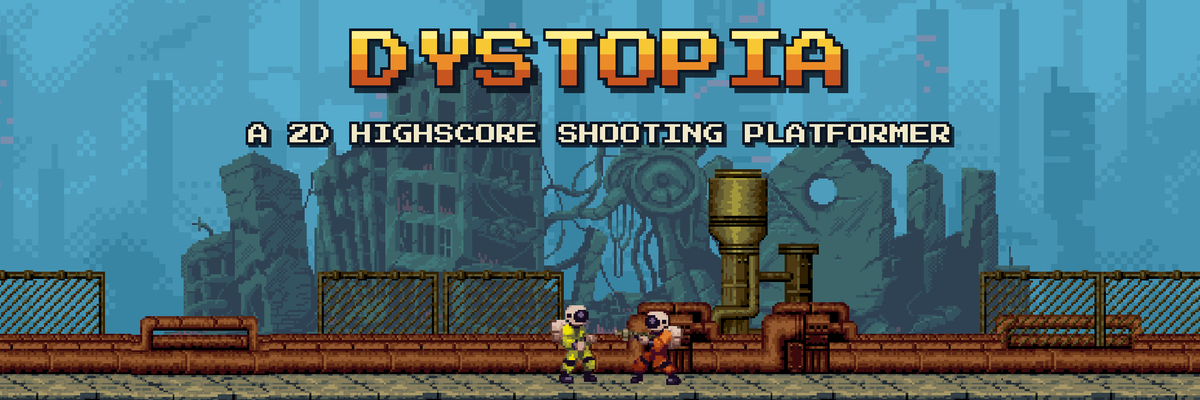
Hello there! It’s been almost a year since my first post, where I described the basic elements of my first game. It still has no name, but I think the name will come naturally.
Shortly after that post, I started looking at the tech stack I’d need to design and develop a 2D sprite game. I quickly realized I had no hands-on experience with a lot of what goes into making a video game. Before fully committing to my 2D pixel-art merchant adventure (still in the “rough idea” stage), I needed a much smaller project that I could take from start to finish.
What I needed to learn
Design documents and notes. I needed a workflow for tracking game goals, design ideas, features, mood boards, world-building, story arcs, assets, and music.
Workflow pipelines. Once the core design exists, you extract requirements, break the problem into smaller problems, and work through those tasks in dedicated blocks of time.
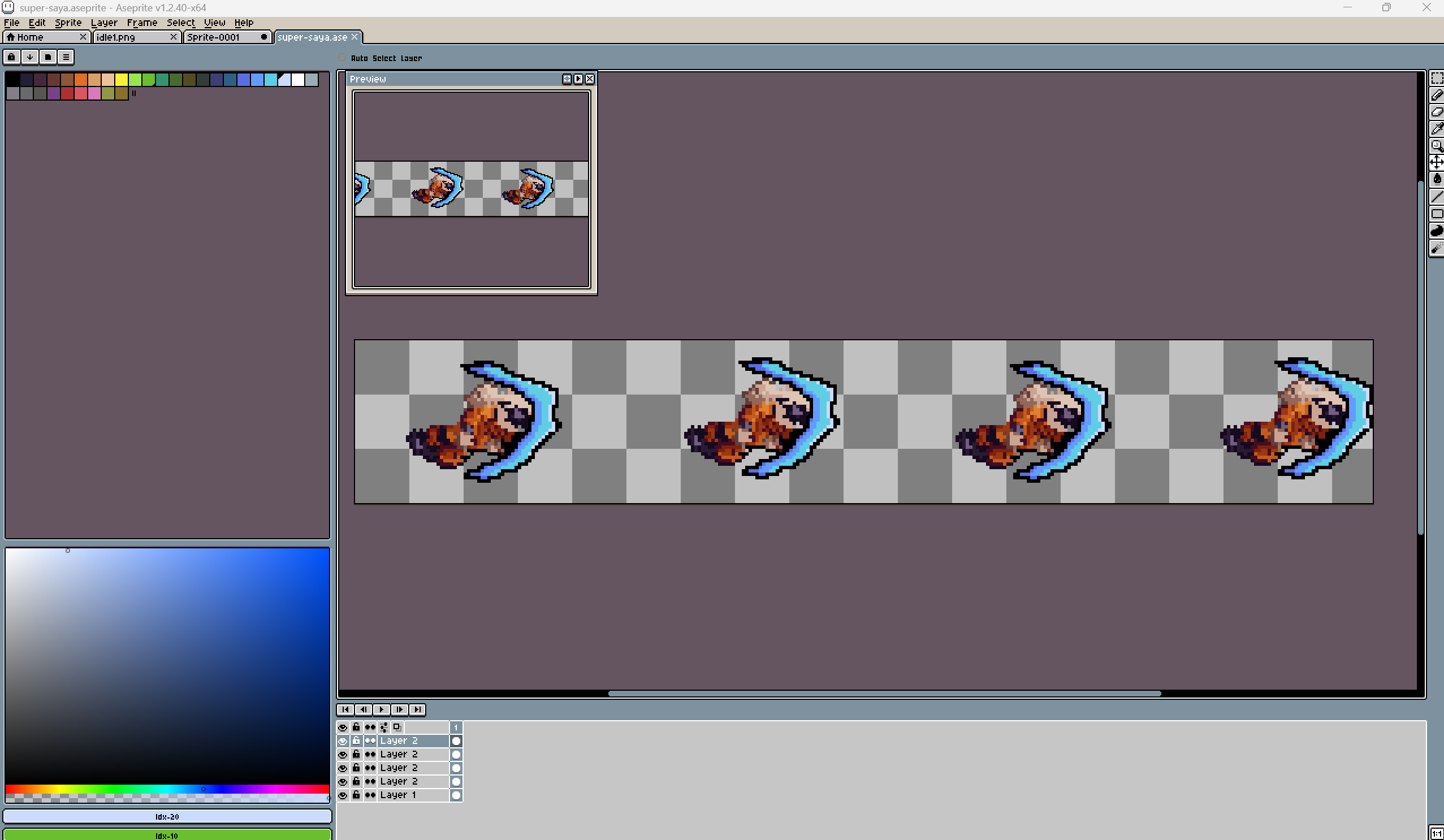
Pixel art. I’d never drawn pixel art or sprite sheets. I’ll likely work with artists or buy assets for the bigger game, but I want to be able to draw some of it myself. A project with only a dozen sprites and animations is a good place to start.
Game engine. There are plenty of options, from industry giants to small open-source engines, or even building your own. I narrowed it down to Unreal and Unity, since I didn’t want to rebuild the wheel. All my earlier prototypes were in Unreal, but I went with Unity, which meant learning it from scratch.
Music. That’s a whole world of its own. Later. 🙂
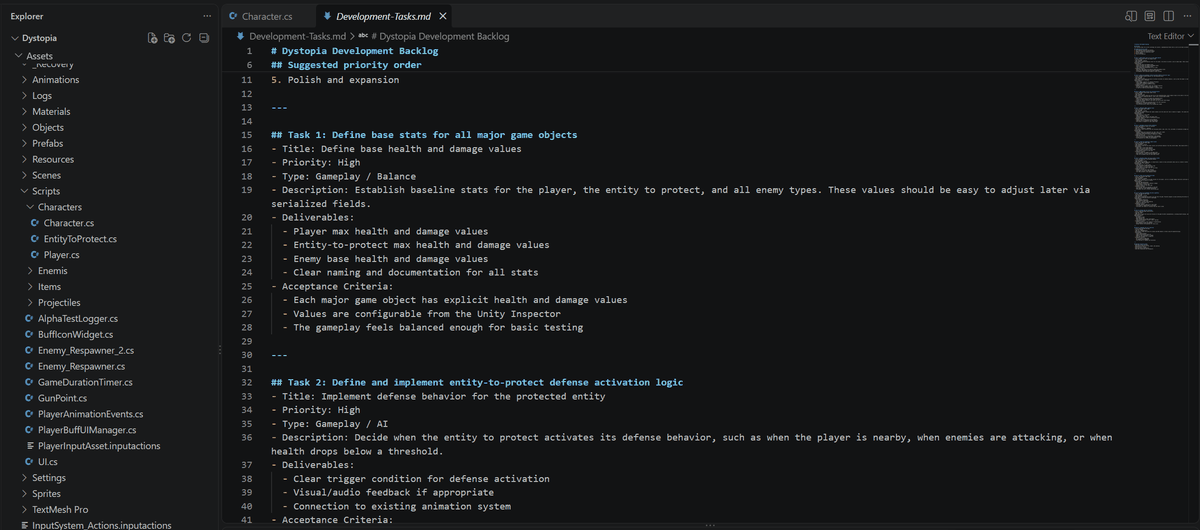
Why Dystopia exists
Learning Unity through courses while applying it to a game I hadn’t even designed yet would have ended in a mess, and probably in me giving up. So I flipped it: I picked a crash course that builds a complete 2D platformer and used its concept as the foundation for a small game of my own.
I chose Learn Unity by Making a 2D Game – Full Beginner Course by AlexDev. In the course, you build a high-score platformer where the player protects an NPC at the center of the screen from spawning enemies. Your score is how long you survive.
The world of Dystopia
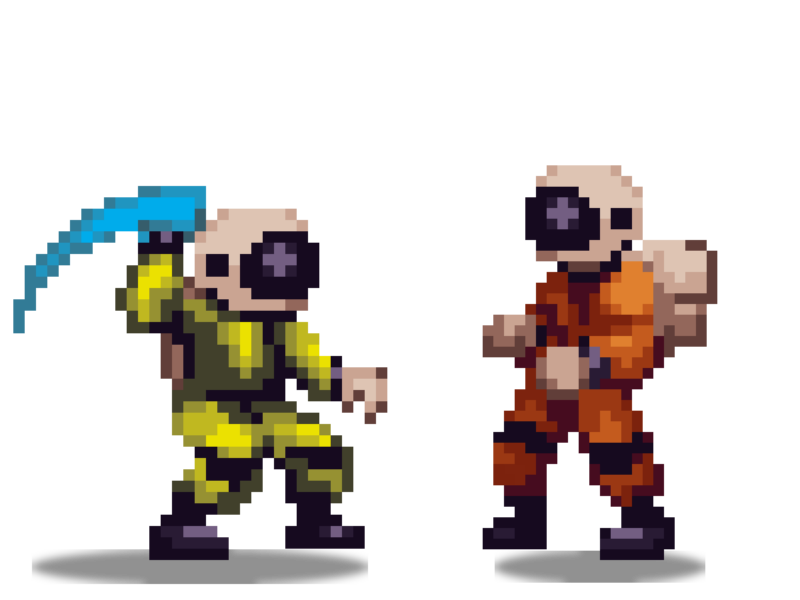
The theme came from the sprite assets by asimuz on itch.io. Dystopia takes place on a distant planet taken over by android villains. Two human astronauts are trying to steal the planet’s power core, and the game begins the moment the androids discover it’s missing. Players must protect their partner and survive the incoming waves for as long as they can.
What I changed
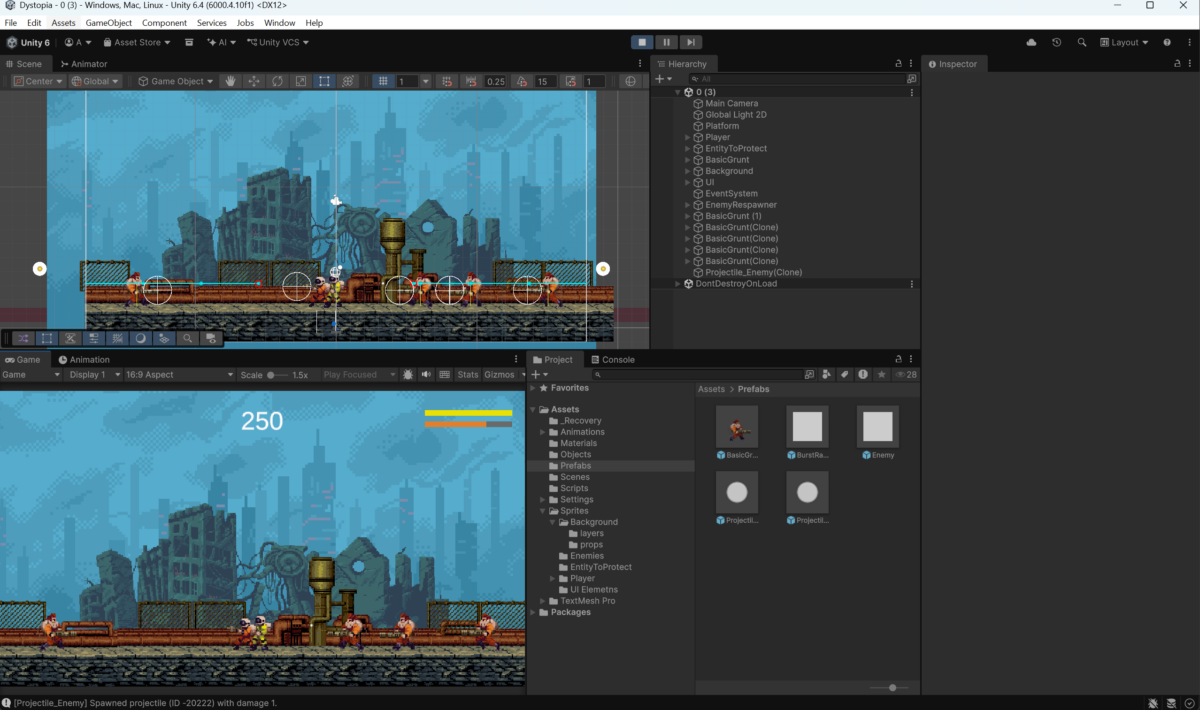
I wanted Dystopia to be a firing frenzy like the arcade games we played as kids: a run lasts a couple of minutes, but you immediately want another go at a better score. So I made a few changes to the course’s formula:
- The player shoots instead of fighting in melee, with different firing types.
- Several enemy types, each with its own firing behavior.
- A non-random spawning system.
- Drop items that grant buffs or skills.
- The NPC isn’t just a target. They can spawn a defense wall on the left or right for a short time, so they have a role in keeping you both alive.
Dystopia is my proof of concept: a small game that forces me through every stage of design, development, and distribution in a short time. I hope it helps me avoid mistakes when I return to the merchant adventure.
And I’m really glad I committed to it, because Dystopia is already in closed alpha on my itch.io profile. There’s still work to do, but I can see the finish line. 🙂
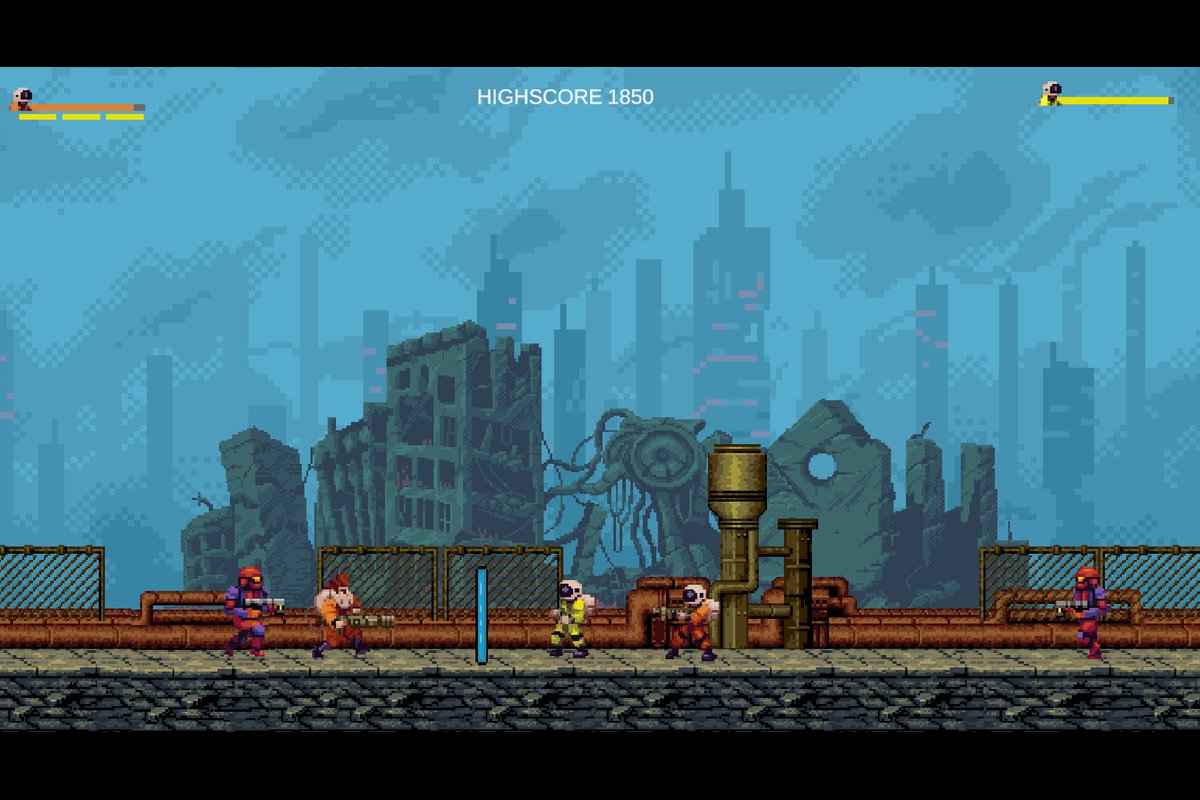
Dystopia 1.0 alpha features
- 2 single-player shooting behaviors (single shots, burst fire)
- 3 enemy types, each with its own firing system
- 4 drop items
- 1 ultimate player ability
- Budget-based enemy spawning system
- Drop item spewing system
- High score system
- Basic game UI (player/NPC life bars, active buffs, ultimate counter, current score)
- Basic game over screen
Still to do
- Projectile sprite sheets and animations
- Death sprite sheets and animations for the player, NPC, and enemies
- Polish existing animations
- Start menu screen
- Support for multiple screen resolutions (highest priority)
- Intro cutscene (ideal, not essential)
I’ll share more as things come together. Thanks for reading!